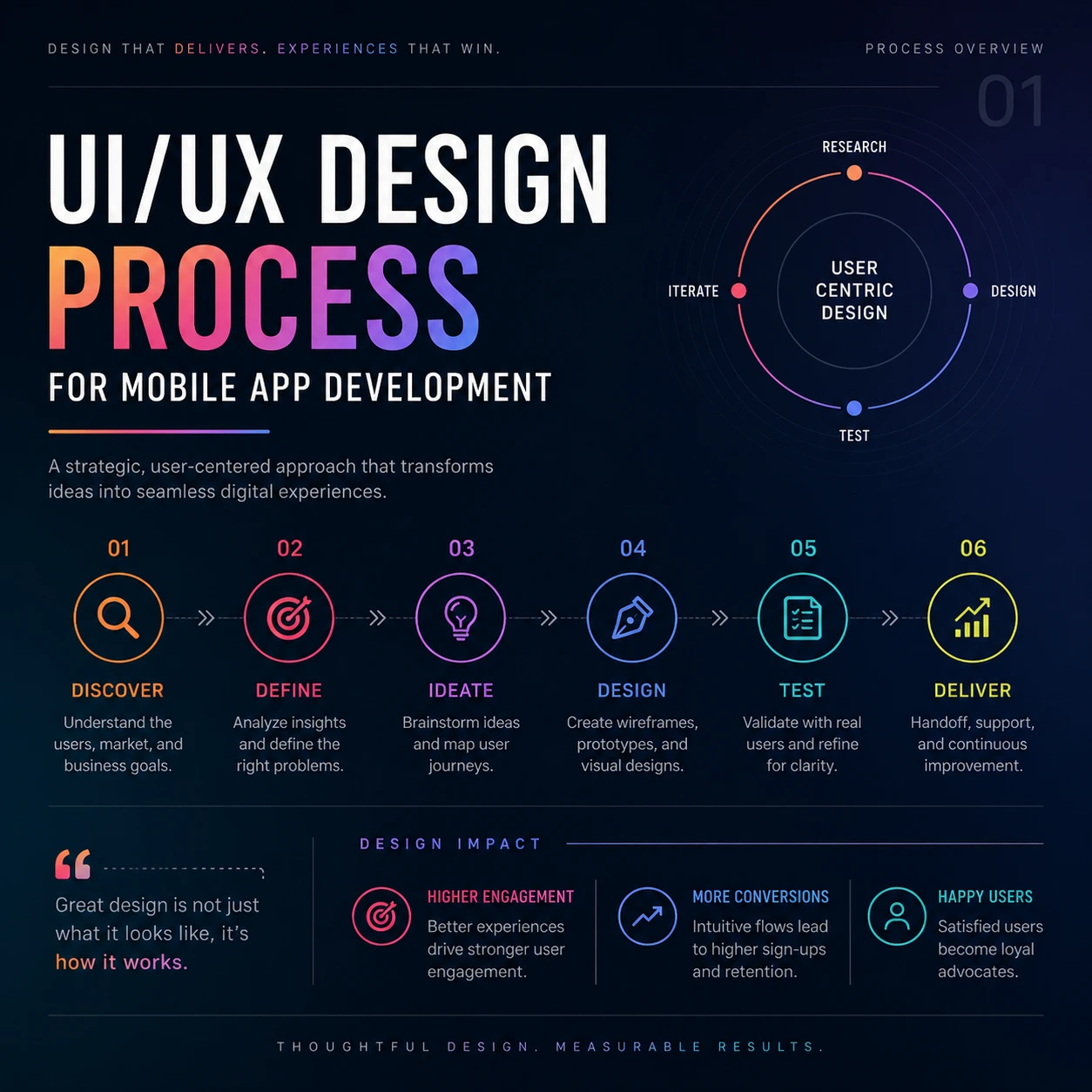
Most design cycles are built for 2015. They focus on “look and feel” while ignoring the brutal math of retention. If the process for mobile app development doesn’t prioritize the user’s mental energy, the product is a liability. Companies often dump thousands into high-fidelity visuals only to realize the navigation is a maze. The friction kills the momentum. In a market where a user decides to delete an app in under ten seconds, the strategy must be surgical.
If you really want to create an app that performs at its best, then make sure that you read our definitive guide on the best UI/UX design agency for mobile app development and see what separates average from elite.
3 Power Design Frameworks to Crush Your Competition

Different products require different tactics. These three frameworks provide a direct path to a high-performance mobile experience.
1. The Lean Growth Loop (For Early-Stage MVPs)
Speed is the only currency for a startup. This framework cuts the fat and focuses on the core payload of the product. According to CB Insights, 42% of startups fail because there is no demand for their product in the market.
- Intent-Based Layout Mapping: Start with the “Job to be Done.” Every screen exists to satisfy a specific user intent. If a pixel doesn’t help the user reach their goal in under three taps, it gets cut. Users generally leave a website within 10-20 seconds if the desired action is not performed according to findings from Nielsen Norman Group.
- Task Flow Optimization: Eliminate every unnecessary decision. This stage is about carving a straight line through the app so users don’t have to think about where to click. Baymard Institute revealed in its research that 22% of people abandon checkouts because of excessively lengthy and complicated processes.
- Zero-Click Navigation: Surface data before the user asks for it. Use smart defaults and context to make the most important information visible the moment the app boots up. According to Google, decreasing interaction friction increases engagement considerably, where an increase in UX speed results in 20% increased conversions.
- Rapid Logic Handoff: Get the functional prototype into the hands of developers immediately. Validation in the real world beats a “perfect” Figma file every time. According to IBM, teams who conduct prototyping and testing early in the process can decrease wastage by 30% to 50%.
2. The Scalable Engine Protocol (For Scaling SaaS & E-commerce)
Growth brings complexity. This protocol handles that weight without slowing down the user experience. Forrester research suggests that for every dollar spent on UX, there is a return of $100 (ROI = 9,900%).
- Adaptive Design Systems: Build a library of smart components. These assets morph based on the device and user history, maintaining brand consistency across a thousand screens. According to research, Design system implementation results in 34% faster design process.
- Information Architecture Overhaul: Clean up the “junk drawer” of features. Organize the app’s data so that navigation feels intuitive and invisible. According to Nielsen Norman Group, bad navigation accounts for one of the most frequent usability issues that affect the success of user tasks in up to 50% of cases.
- Motion Design Logic: Use movement as a cognitive tool. Subtle transitions act as breadcrumbs, guiding the user through the app without overwhelming their senses. According to Adobe UX insights, micro-interaction usage could increase engagement up to 40%.
- Behavioral Data Integration: Watch the heatmaps. Real-world session recordings dictate where the UI needs to shift to prevent friction and abandonment. The use of heatmap and session recording improves conversions up to 16-30%, based on case studies from Hotjar.
3. The Intelligent Interface Blueprint (For AI & Data-Heavy Apps)
Complex data requires a “Predictive” approach. This framework removes the manual labor of app navigation. Research from Stanford University shows that cognitive overload directly reduces decision-making efficiency and user satisfaction.
- Cognitive Load Reduction: Audit the mental effort required for every task. The goal is to make a complex enterprise app feel as simple as a messaging tool. Nielsen Norman Group proves that making interfaces simple may increase usability by 83 percent.
- Predictive UX Flows: Design journeys that learn. The app anticipates the user’s next move based on historical patterns, slashing the time to interactive for returning users. Personalization techniques may help in raising conversion rates by 10–30%, as proved by McKinsey & Company.
- Ethical AI Guardrails: Keep the technology transparent. Users need to feel in control even when the AI is doing the heavy lifting in the background. 85% of the users would refrain from interacting with an organization if any issue regarding data ethics exists, as PwC suggests.
- Usability Stress Testing: Push the interface to its breaking point. Simulate high-pressure scenarios to see where the logic fails before it ever reaches a real customer.
Why Time to Interactive Wins the Game
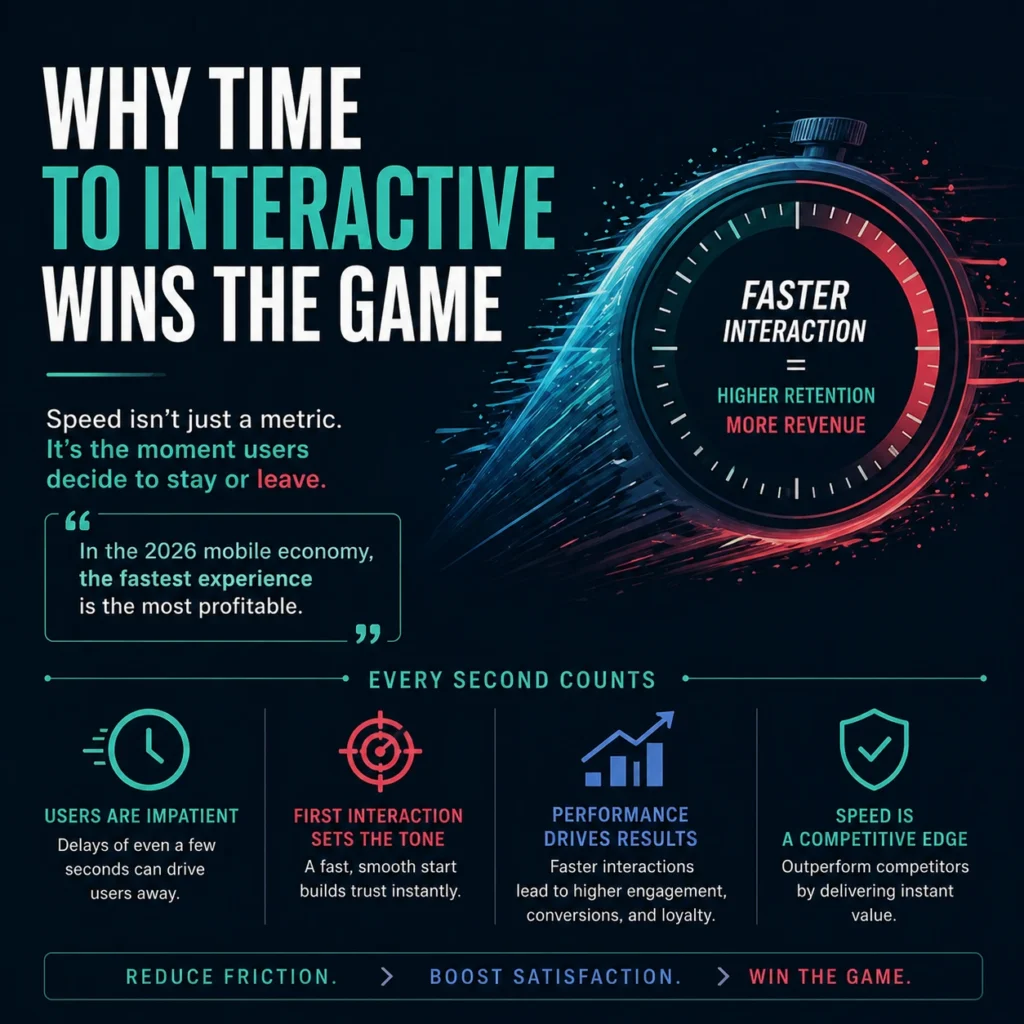
In the 2026 mobile economy, speed is the ultimate feature. If the time to interactive is sluggish, the design is a failure. It doesn’t matter how premium the icons look if the user is stuck staring at a loading state. An elite process for mobile app development strips away the decorative bloat to prioritize the core functional payload.
Cut the fluff and the generic templates that drain your cash while your users bail in seconds. FlowmazeUX builds high-octane, intent-based layouts that transform your mobile app into a literal cash cow. We bring the grit and the logic that make your product feel like second nature instead of a total headache.